
Sheet-first DTF layout, with an assistant that speaks transfer
Built for print service providers and DTF-savvy designers: impose multiple graphics on a linear-meter style canvas, nest repeats with auto-layout, and use an AI sidebar tuned for flat transfer artwork and multi-item sheets.
Example DTF sheet
A multi-item sheet layout produced in the DTF service customizer—stickers and badges arranged for a single foil run.
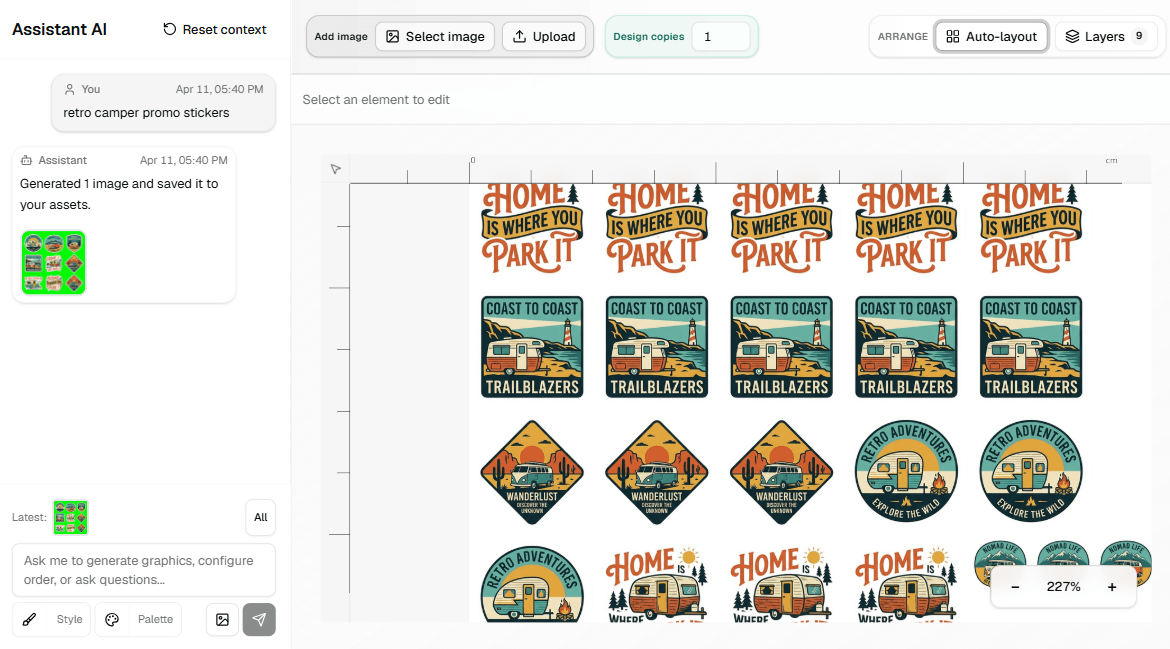
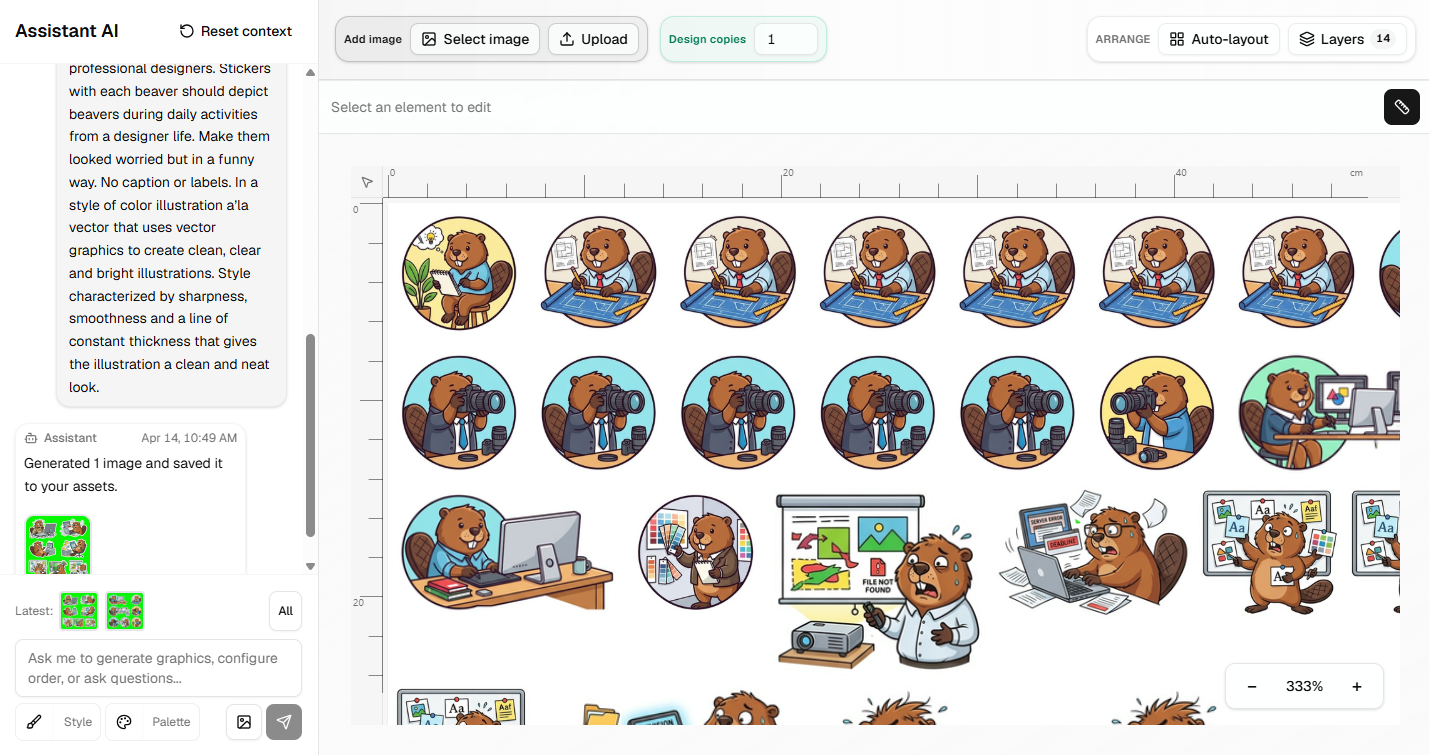
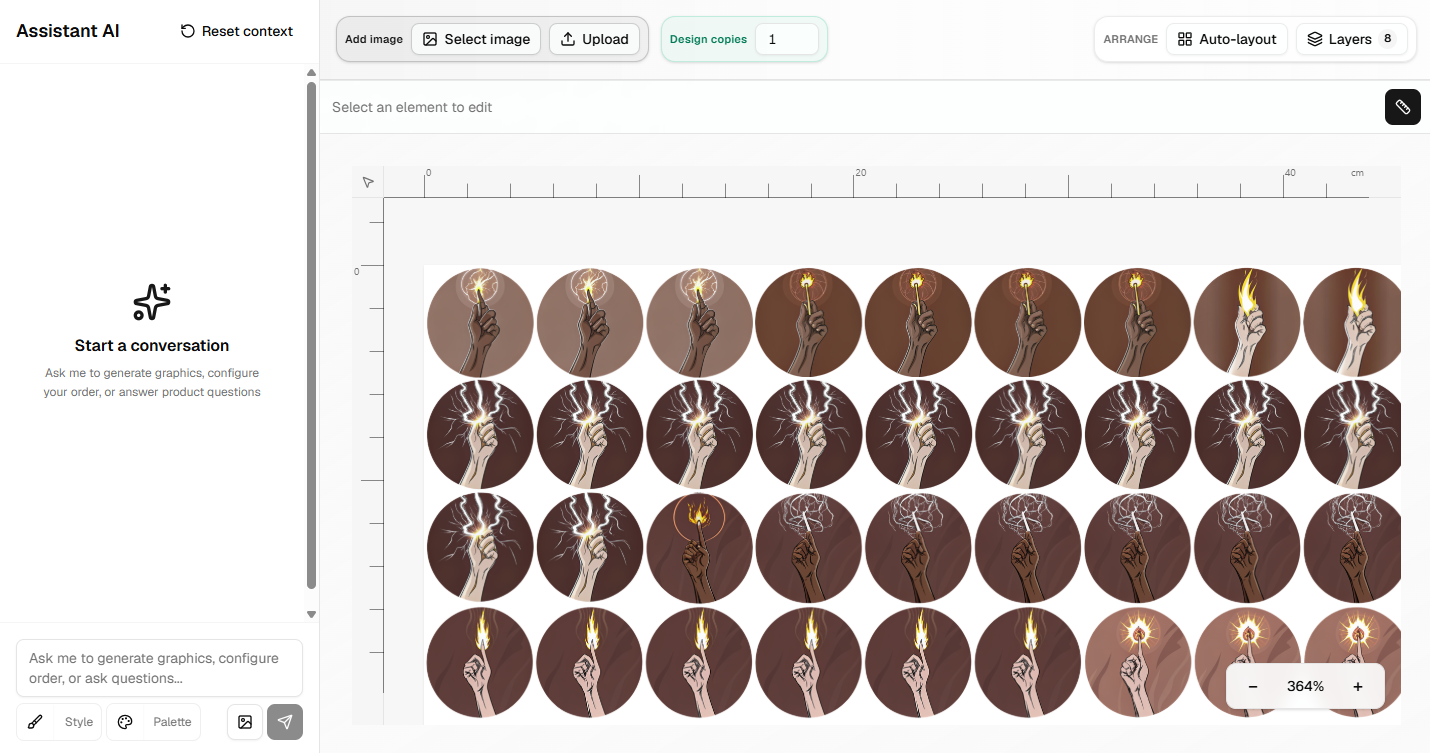
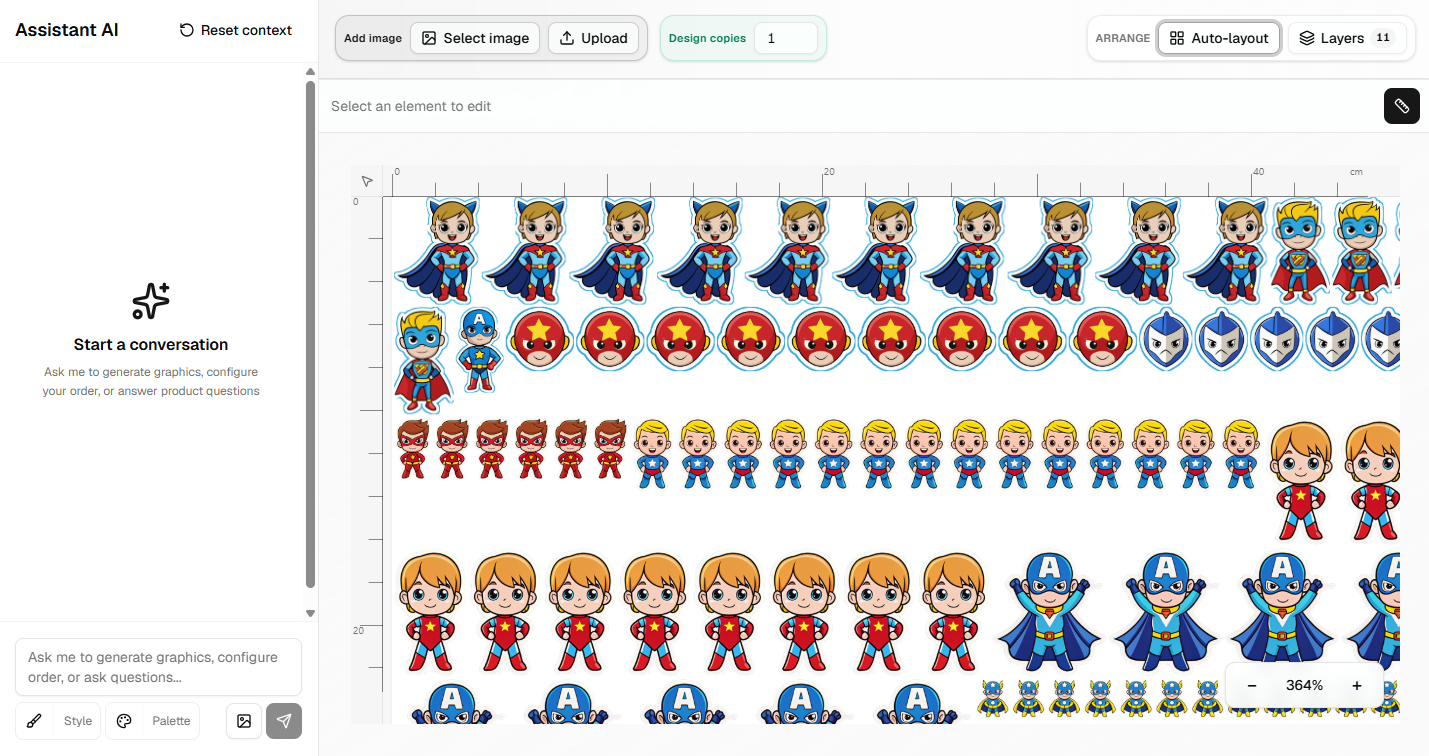
Built for production DTF, not brand storefronts
From a single foil run to nested repeats—stay in one editor through imposition and hand-off.
Multi-item sheet generation
Design on a fixed 60×100 cm print area at 300 DPI— sized like a roll-width strip over one meter—so you can pack multiple transfers on one foil with predictable export dimensions.
DTF-focused assistant
A dedicated AI chat for flat transfer artwork and sheet workflows: generate or refine graphics in context instead of generic stock-style images.
Print-native canvas
Work in real centimeters and DPI-backed resolution so what you see maps to what the RIP and cutter expect.
Auto-layout and repeats
Nest multiple instances on the sheet with automatic packing, plus per-layer copy counts when you need repeats without duplicating layers manually.
Prepress-style adjustments
Non-destructive crop, flip, rotation, brightness, opacity, blur, and shadow—typical prep before film without leaving the browser.
Split multi-item artwork
When a sheet arrives as one raster, use segmentation-assisted split flows to break it into separate transfer elements, then lay them out again on the sheet.
Have a similar process? Let us build the tool around your work.
We start with one repeatable process, build the tool it needs and test it on real orders.