
From jersey concept to a complete factory package
CraftWorks is built for agencies and brands that outfit teams: you design once, and when you assign production to a partner on the platform, we generate the visuals, print assets, and structured specs producers need—so you spend less time chasing files and clarifying trims.
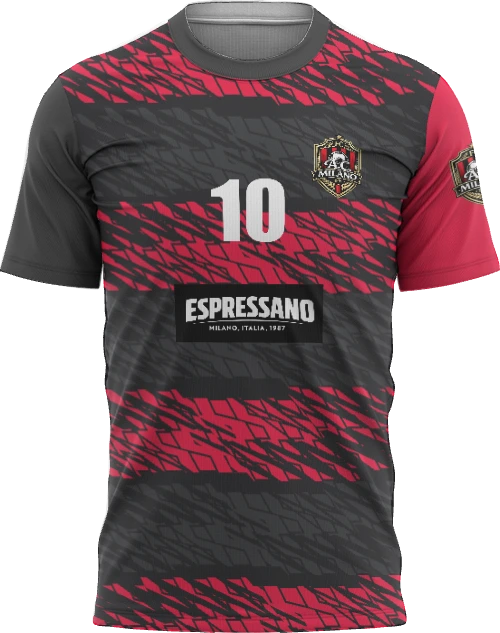
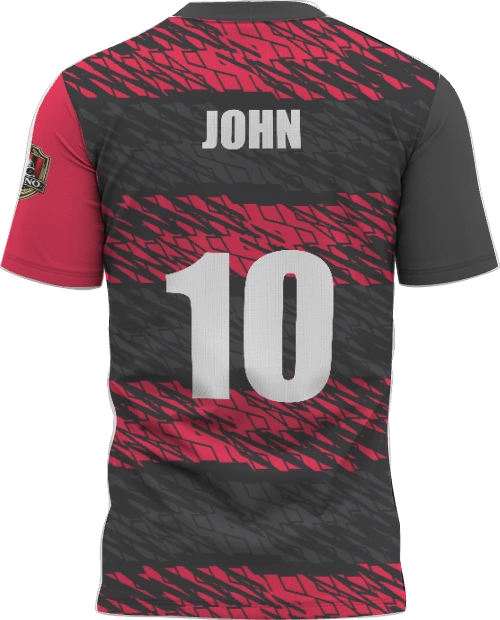
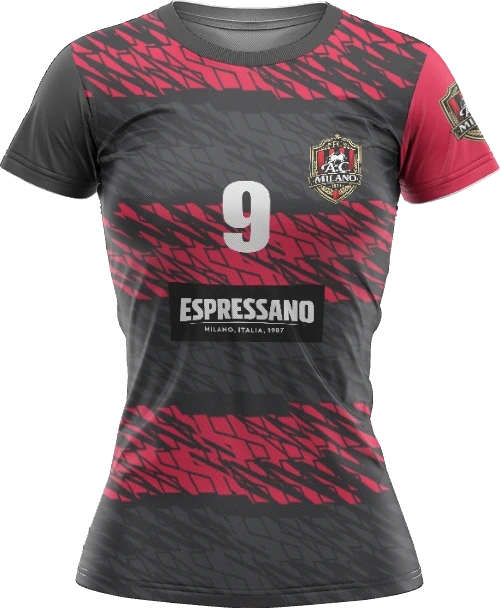
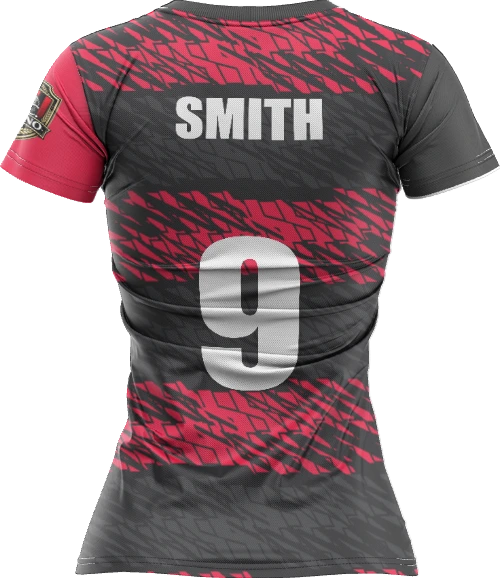
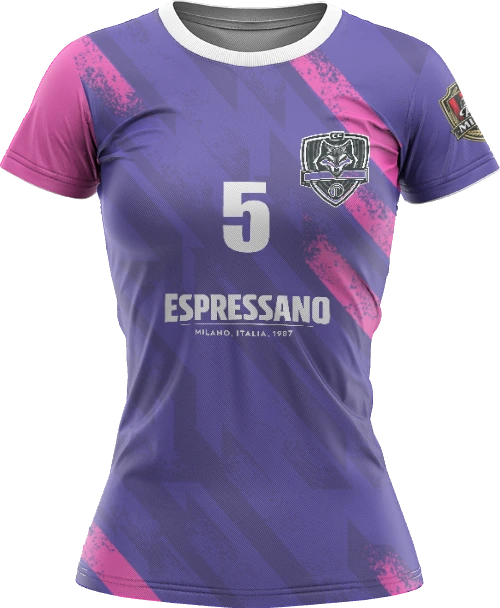
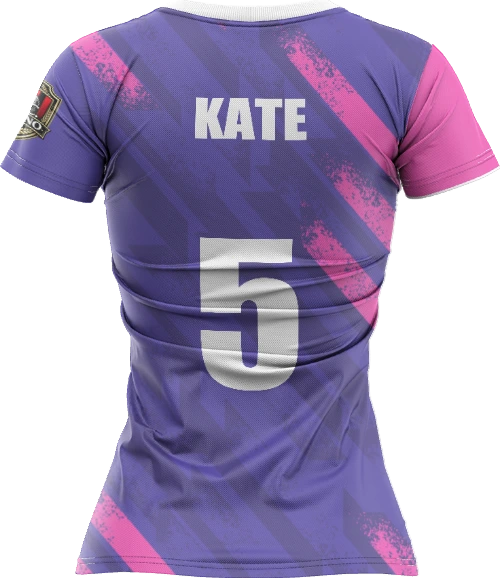
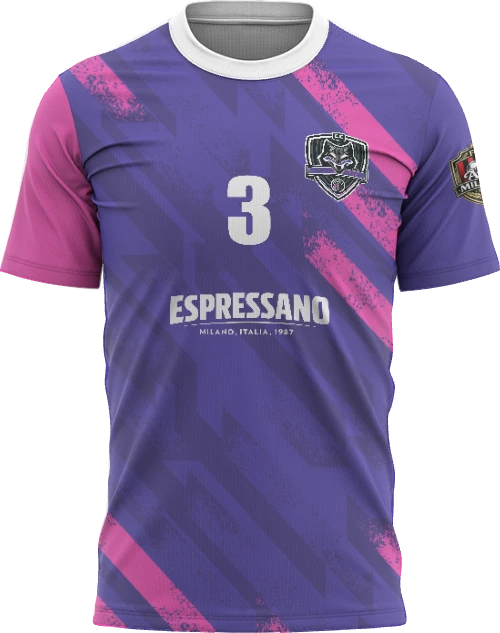
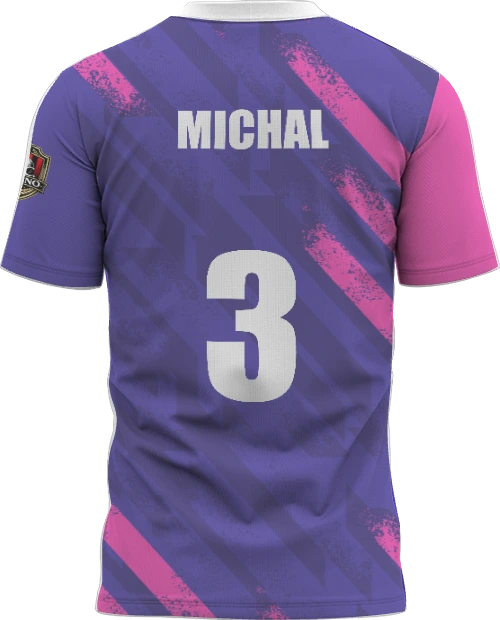
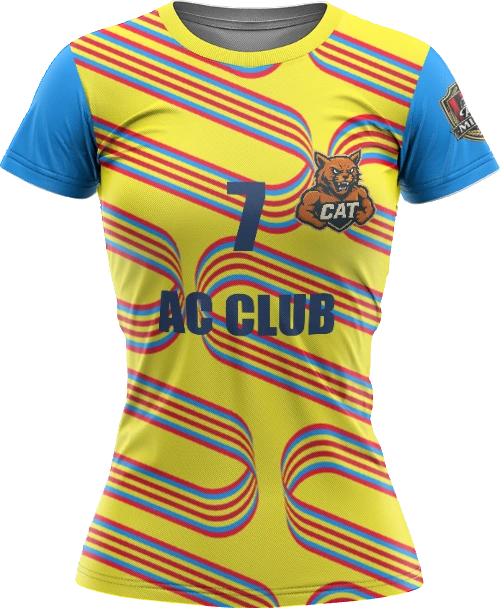
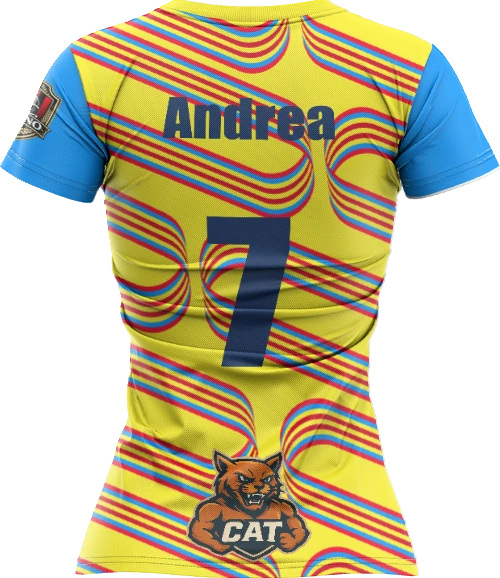
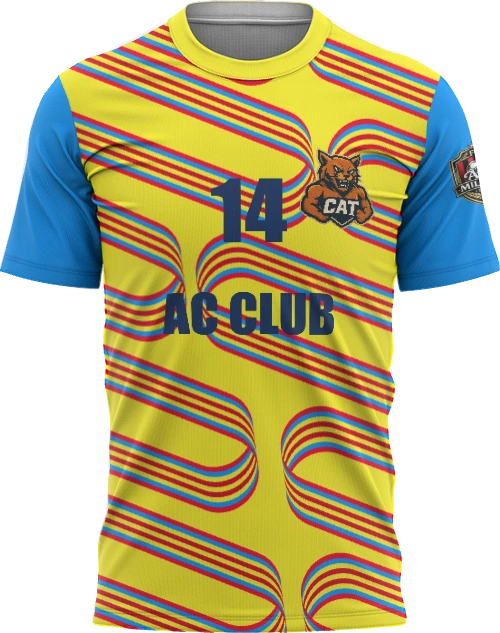
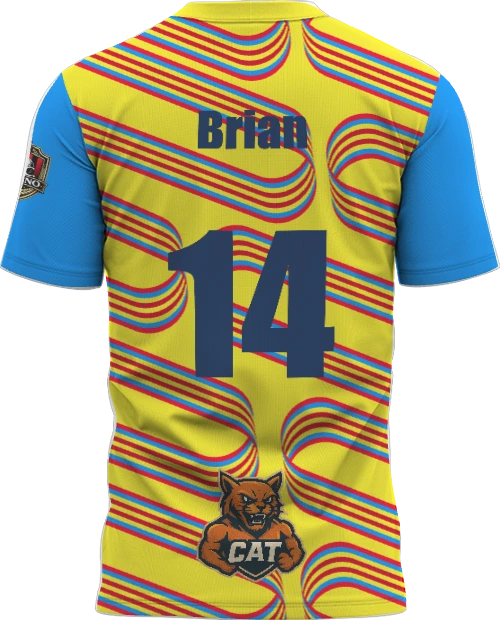
Example jersey directions
A selection of looks created in the sports T-shirt customizer—shown in a compact grid; mug and DTF showcases use larger previews.
Everything teams, designers, and producers touch in one flow
There is a lot under the hood—here is what matters for brands, agencies, and the producers you assign.
Complete producer handoff
When a brand picks a producer, CraftWorks can deliver visualizations, thumbnails, roster- and bulk-quantity print SVGs, and structured product data—so the factory is not waiting on missing artwork or specs.
Tech pack generation
Export a professional specification in A4 landscape: product overview, chosen options, color and pattern breakdown, logo placements, text elements, size context, and narrative description—print-friendly from the browser.
Size-graded sewing views
Review production-oriented outlines across sizes (for example S–XXL) for mens and womens blocks—aimed at sample rooms and garment factories that need a clear pattern reference.
PMS-true color control
Paint body, sleeves, collar, and pattern fills with PMS search, HEX entry, closest matches, and project brand colors—so approvals line up with real inks and team palettes.
Patterns on front and back
Pick library patterns per side, upload custom SVG up to size limits, nudge position with pan and zoom controls, and sync a look from one side to the other when you want symmetry.
Ideas and one-tap presets
Jump-start client reviews with curated base, sleeve, and collar pairings—fast directions before you refine details.
Garment-linked logo map
Place marks across chest zones, all-over areas, back panels, and sleeves; stack layer order and use snap alignment to center lines and neighboring placements without guesswork.
Production-aware logo sizing
Size in centimeters with DPI and max-area context, bring art from PDF or your project library, lean on AI where enabled, and remove backgrounds for stored assets when the workflow allows.
Team names and numbers as print graphics
Drive player name, back number, optional front number, and custom front or back text—rendered to bitmaps with styles you control, including PMS-colored type for consistent kit output.
Fits, options, and gender sync
Switch between mens, womens, and kids builds, sync a design across gender cuts where it matters, and surface catalog options such as neck type, sleeve finish, and fabric tier when your product defines them.
AI that understands the jersey product
Chat and tools tuned to update the live configuration and generate or refine flat artwork—with generated assets able to flow into your project library instead of staying as generic images.
Embeddable for your catalog
Integrate the customizer where your brand sells: parent-window messaging keeps host apps and the editor in sync for embedded experiences.
Have a similar process? Let us build the tool around your work.
We start with one repeatable process, build the tool it needs and test it on real orders.